Images, with a quick edit
View common image formats, crop, rotate and annotate. Extract text from images and scanned pages with local OCR.
 Proview
macOS · Windows · Linux
Open an image. Mark up a PDF. Add your signature and get on with your day.
Proview is a desktop viewer and editor for images, PDFs and STL models.
Open source · AGPL-3.0-or-later
A practical toolkit
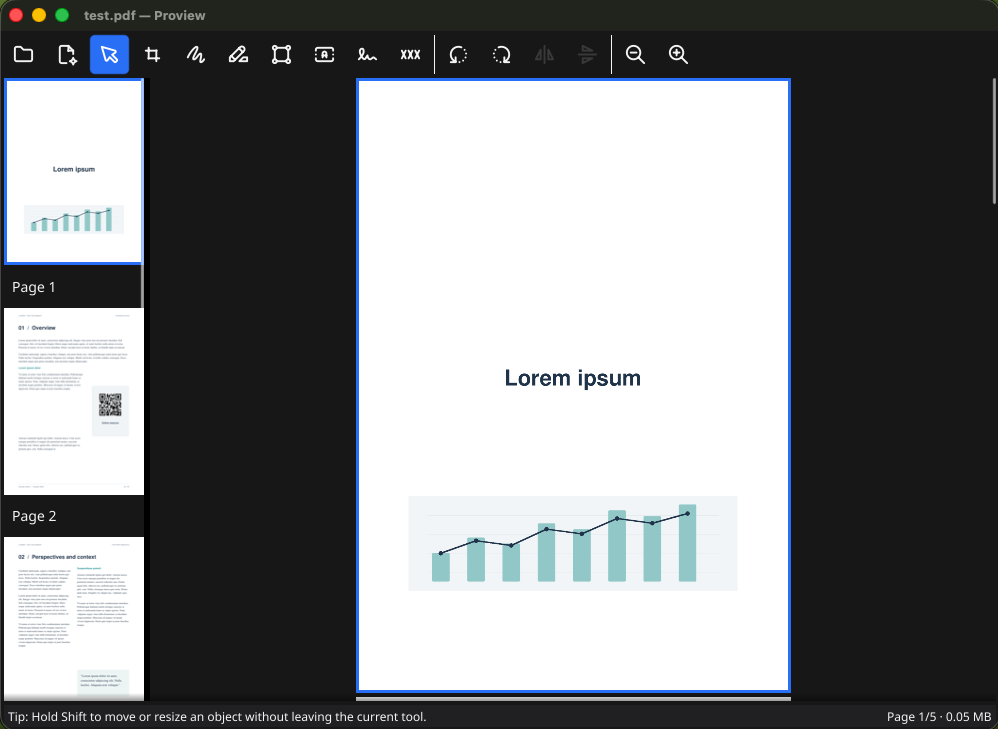
View common image formats, crop, rotate and annotate. Extract text from images and scanned pages with local OCR.
Highlight text, add annotations, redact content and organize pages. Combine documents or split a PDF into separate files.
Draw a handwritten signature or import it from a file. Keep it in your signature library and place it on a document when needed.
Optional cloud sync
Connect Google Drive from the signature library to synchronize saved signatures between Proview installations. S3-compatible storage is also supported.
Google authorization is used only for signature synchronization. Proview requests the limited drive.file permission to manage files created by, or explicitly authorized for, the app. The default archive is proview/signatures in your Drive.
This sync does not upload the PDFs or images you open for editing. Cloud sync is optional; your local signature library works offline.
Read how your data is handled →For support or privacy enquiries, contact Emanuele Longo at longo.emanuele@gmail.com. You can also report bugs through Proview’s GitHub issue tracker. Do not post signatures, tokens or private documents in public issues.